Public charging stops don’t have to slow down a road trip. If you drive a Cadillac EV in Quebec, the myCadillac app handles two of the more confusing parts of public charging: starting the session and paying for it.
Once the app is set up, plugging in can be the only step you need to take at the charger.
What Plug And Charge And Supercharger Access Actually Do
The myCadillac app includes two related but distinct tools for public charging. Plug and Charge authorizes and starts a session automatically at a compatible DC fast charging station once you insert the cable.
The second tool, sometimes called Charge-by-App, is how Tesla Supercharger access gets managed. It lets you remotely start a charging session on a compatible Level 2 or DC fast charger, including a Tesla Supercharger, through the app’s Public Charging Services.
Both are part of the app’s public charging management, not a separate charging app you download on top of myCadillac.
Setting Up The App Before You Need It
Each feature needs a one-time activation before it works at a station. Open the myCadillac app, tap the Map tab on the Home screen, select the ellipsis in the top-right corner, and choose Public Charging Services.
From there, activate IONNA under “Supported Networks” to use Plug and Charge, or activate Tesla Supercharger under “Supported Networks” to use Charge-by-App. You can also link a compatible third-party charging account, such as EVgo, instead.
Either path needs a valid payment method saved and linked to your vehicle in the app. Without that step, the session won’t authorize, even at a compatible charger.
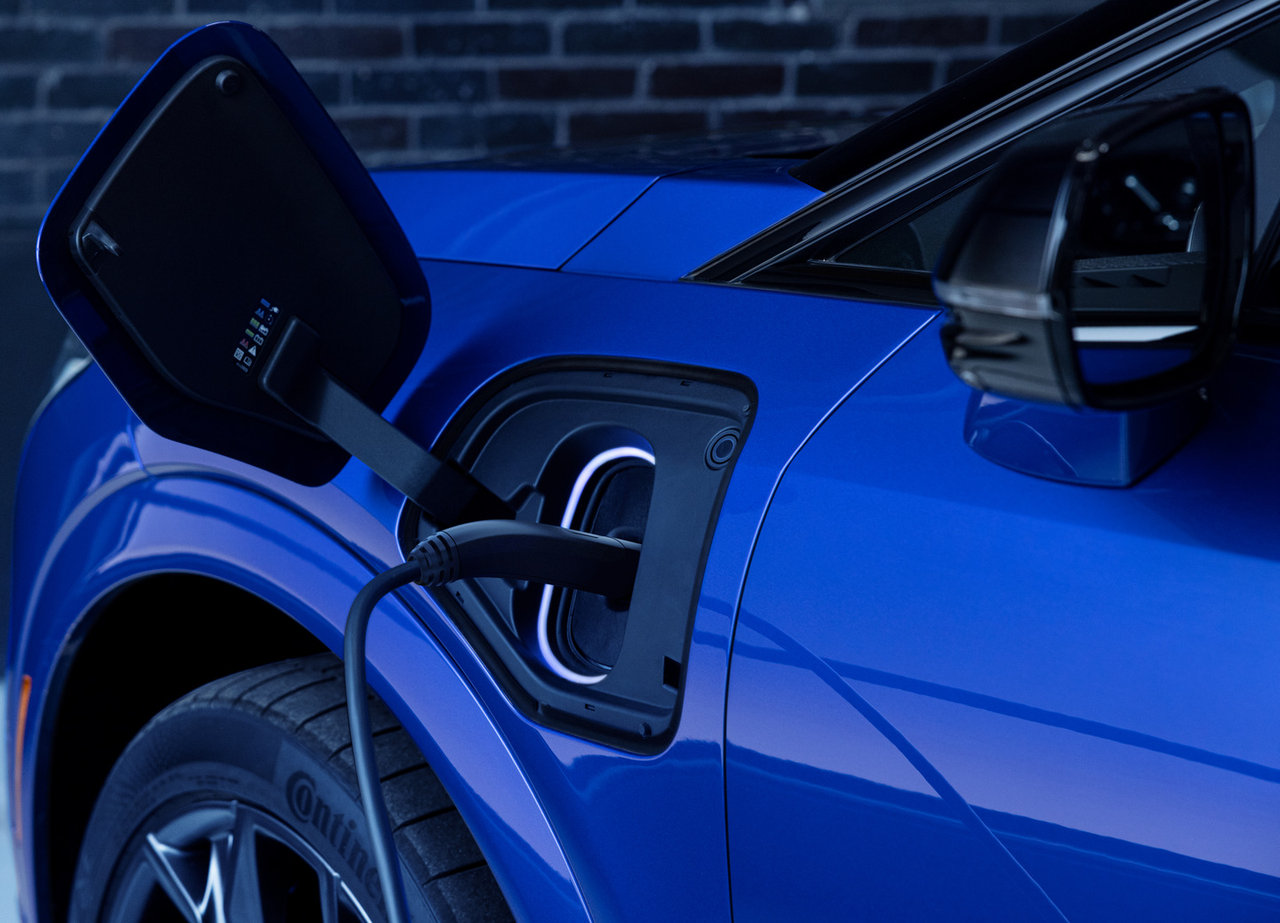
GM vehicles adopted the North American Charging Standard (NACS) as of September 2024. Depending on your vehicle’s charge port, accessing the Tesla Supercharger network may require a compatible NACS DC adapter, purchased through the app. A NACS-native GM EV may need a separate CCS1 adapter for non-NACS DC fast charging and a J1772 adapter for Level 2 charging.
|
Feature |
What It Does |
Setup Step |
|
Plug and Charge |
Session starts automatically after plugging in at a compatible DC fast charger |
Activate IONNA (or link a third-party account) under Supported Networks |
|
Charge-by-App |
Remotely starts a session on a compatible Level 2 or DC fast charger, including Tesla Supercharger |
Activate Tesla Supercharger (or link a third-party account) under Supported Networks |
Why This Matters Once You’re At A Station

NACS stations don’t have card readers, so an app is required to start and pay for a session. Without the myCadillac setup done ahead of time, you’d be stuck at the charger with no way to begin.
The app also does more than authorize payment. From the Map screen, you can filter nearby stations by provider, charging type, power, and Plug and Charge capability, then check availability and user reviews before you commit to a stop.
The Explore Range tool shows how far you can travel and still make it back to your home charging location, marked as a dotted line on the map, with an alert if a destination falls outside that range.
For a longer trip, tapping Plan Route on a searched destination or station opens turn-by-turn directions, with the option to adjust your vehicle’s charge plan or add a return-home leg. Tapping Start Driving lets you monitor the route as you go.
Who Gets The Most Out Of It
Drivers who take highway trips outside their usual charging routine benefit most. Route planning and range visibility remove the guesswork of whether a public station will actually get you home.
Owners who rely mainly on home charging still benefit from having Plug and Charge activated in advance. It means the one time you do need a public DC fast charger, the session starts the moment you plug in instead of fumbling with a third-party app in the parking lot.
Feature access depends on your vehicle’s equipment, your phone’s compatibility, and the service plan you’re enrolled in, so not every setup will look identical. Some vehicles will also need a NACS adapter before Tesla Supercharger access works at all.
Getting Your Cadillac EV Ready For Public Charging
Plug and Charge and Tesla Supercharger access both come down to the same groundwork: activate the right network under Public Charging Services, link a payment method, and keep the myCadillac app updated so the tools work as intended.
Visit Cadillac Île-Perrot in Pincourt to confirm which public charging features and adapters apply to your specific Cadillac EV and to get help setting up the myCadillac app before your next trip.